
This user manual provides detailed installation and operation procedures for the VE-120 video extender to prevent any damage to the units and connected devices. The package includes the VE-120L local unit, VE-120R remote unit, VGA cable, power adapters, and user manual. If anything is damaged or missing, users should contact their dealer. The equipment complies with FCC Rules Part 15 Subpart J, which provides reasonable protection against harmful interference in a residential installation. Users are encouraged to try reorienting or relocating the receiving antenna, increasing the separation between the equipment and receiver, or connecting the equipment to a different circuit outlet if the equipment causes harmful interference to radio or television reception.
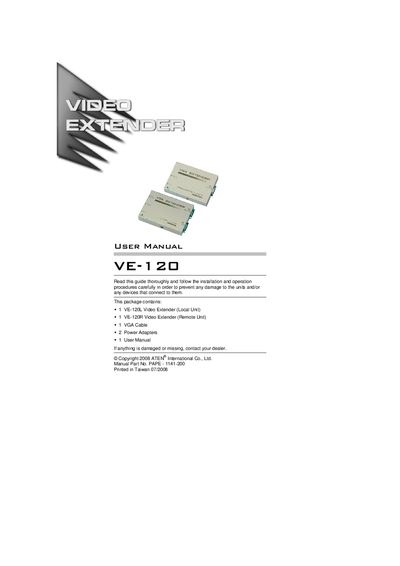
The VE-120 Video Extender System lets you place a computer and its monitor up to 130 m (430 ft) apart by using a local unit (VE-120L) and a remote unit (VE-120R) linked with Category 5 twisted‑pair Ethernet cable. It is suited for factory, construction, education, and business environments where the display must be positioned away from the computer.
Installation is straightforward: connect the VGA cable from the PC to the local unit, attach the monitor to each unit, power both units with the supplied 9 V AC adapters, and run a Category 5 cable between the local and remote I/O ports. The range switch on the local unit selects long‑ or short‑distance mode. The manual also provides troubleshooting steps, cable‑length tables, and full technical specifications.
| Cable Type | Category 5 STP |
|---|---|
| Maximum distance (640 × 480) | 130 m |
| Maximum distance (1024 × 768) | 100 m |
| Power Consumption (Local Unit) | AC 9V 130 mA (max) |
| Power Consumption (Remote Unit) | AC 9V 180 mA (max) |
| Dimensions (L × W × H) | 11.9 × 8.6 × 5.8 cm |
The system uses a Category 5 twisted‑pair Ethernet cable to connect the local and remote units.
A resolution of 1024 × 768 can be transmitted up to 100 m.
Both units are powered by a 9 V AC power adapter (130 mA max for the local unit, 180 mA max for the remote unit).
The switch selects Long mode for distant remote units or Short mode for nearby remote units.