
The document describes the features and functions of the UN-161 USB Network Cable, which can be used to connect two computers for file sharing and remote file management.
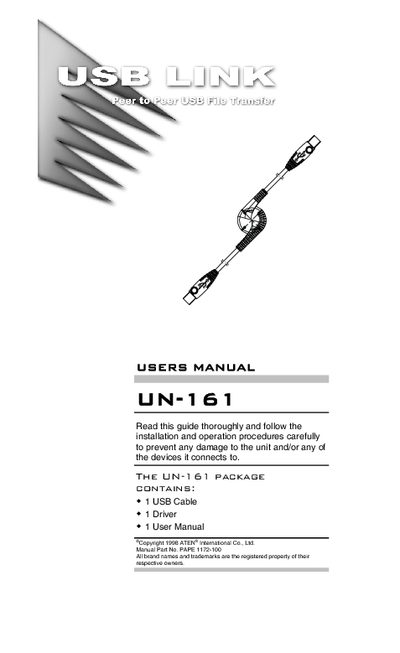
The UN-161 USB Network Cable enables direct host‑to‑host connections between two computers for file sharing and remote management. It works with both Windows and Mac systems, offering transfer speeds comparable to a 10Base‑T Ethernet connection and requires no external power.
The manual covers system requirements, driver and software installation for PC and Mac, detailed operation of the USB Bridge Cable Application, power‑management features, and technical specifications of the cable.
| Connectors | 2 USB Type A Plugs |
|---|---|
| Cable Length | 1.8 m (.9 m per segment) |
| Data Transfer Rate | Up To 6 Mbps |
| Network Protocol | TCP/IP, NETBEUI, IPX/SPX |
| Power Consumption | 120 mW (max.) |
| Operating Temperature | 5 ~ 40°C |
| Storage Temperature | -20 ~ 60°C |
| Humidity | 0 ~ 80% RH, Noncondensing |
| Casing Material | Plastic |
| Weight | 160 g |
The cable supports data transfer rates up to 6 Mbps.