
This document is the Netgear USB to Ethernet adapter user manual, which introduces the product's function, specification, connection method, usage method, troubleshooting and other content.
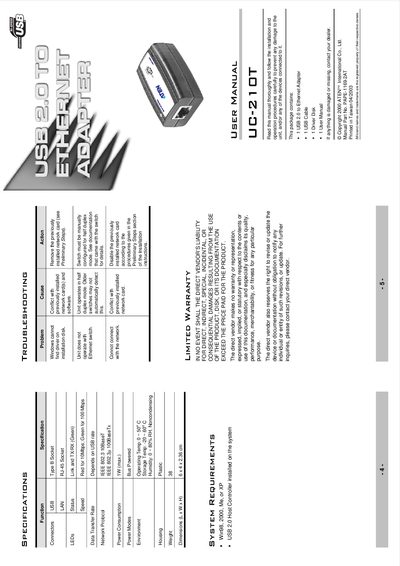
The UC-210T is a plug‑and‑play USB 2.0 to Ethernet adapter that supports 10BaseT/100BaseTx auto‑sensing connections. It draws power directly from the USB port, eliminating the need for an external power supply, and includes LEDs for link status and transmission speed.
The manual covers hardware specifications, component descriptions, detailed Windows installation procedures, troubleshooting tips, and warranty information. It also lists regulatory compliance and safety notices for proper use.
| Power Consumption | 1 W (max) |
|---|---|
| Operating Temperature | 0 ~ 50 °C |
| Storage Temperature | -20 ~ 60 °C |
| Humidity | 0 ~ 80 % RH (non‑condensing) |
| Dimensions (L × W × H) | 6 × 4 × 2.36 cm |
| Weight | 38 g |
| USB Interface | USB 2.0 compliant |
| Network Protocol | IEEE 802.3 10BaseT / 100BaseTx |
| Power Mode | Bus powered (no external supply) |
Connect the adapter with the supplied USB cable, run the Add New Hardware Wizard, insert the driver disk when prompted, and follow the on‑screen instructions to complete the driver installation.
The green LED shows link and data transmission activity, while the dual‑color speed LED is red for 10 Mbps and green for 100 Mbps operation.
No, the adapter is bus powered and draws all necessary power from the USB port.