
This document introduces the use of ATEN VE510 Video Synchronizer. This synchronizer supports VGA, SVGA, XGA, or Multisync compatible analog displays.
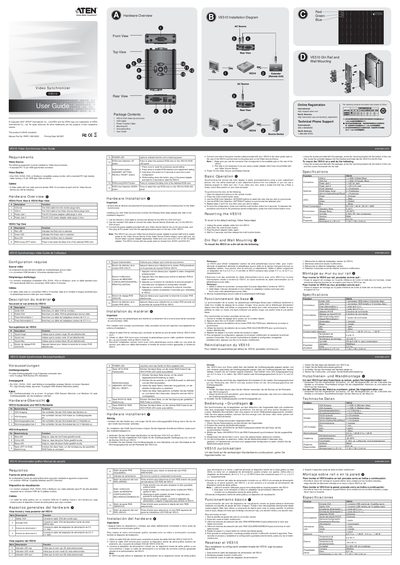
The VE510 is a video synchronizer that receives a VGA signal from a source device and outputs it to an analog monitor. It supports RGB color adjustment and can be powered from either a 5 V or 5.3 V DC adapter.
The manual covers hardware overview, package contents, required cables, step‑by‑step installation, basic operation, DIN‑rail and wall mounting, specifications, and how to reset the unit to factory defaults.
| Power Consumption | DC5V 48W; DC5V 46W |
|---|---|
| Operating Temperature | 0‑50 °C |
| Storage Temperature | -20‑60 °C |
| Humidity | 0‑80 % RH (non‑condensing) |
| Physical Weight | 0.21 kg |
| Dimensions (L×W×H) | 11.02 × 7.90 × 2.44 cm |
Connect the monitor’s VGA cable to the VE510 VGA OUT port, connect the source device’s VGA cable to the VE510 VGAIN port, then attach the supplied power adapter to an AC source and plug its DC cable into one of the VE510 power jacks.