
This is a user manual for UC-100KMA PS/2 Keyboard & Mouse to USB Adapter. It contains information about the package contents, safety warnings, installation and operation procedures.
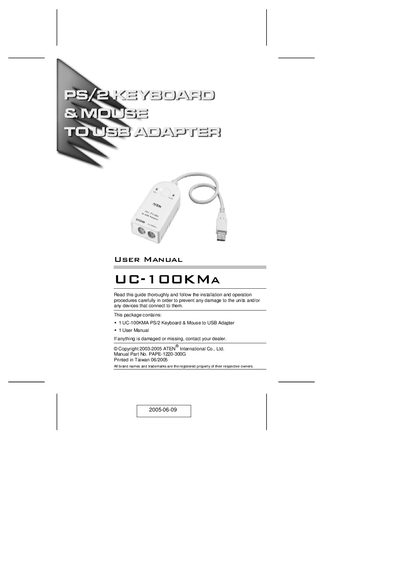
The UC-100KM A is a PS/2‑to‑USB converter that lets you connect a PS/2 keyboard and mouse to a USB‑enabled computer, notebook, or handheld device. It draws power directly from the USB port, so no external power supply is required.
The manual covers features such as hotkey OS selection, supported operating systems, installation steps, connector details, and warranty information. It also includes a hotkey summary table and mapping for Mac keyboards.
| Connectors | USB 1 Type A Plug, PS/2 Keyboard, PS/2 Mouse |
|---|---|
| Cable Length | 30 cm |
| Transfer Rate | 12 Mbps |
| USB Specification | USB 1.1 compatible |
| Power Mode | Bus powered |
| Power Consumption | 500 mW |
| Operating Temperature | 0 – 50 °C |
| Storage Temperature | -20 – 60 °C |
| Humidity | 0 % – 80 % RH (non‑condensing) |
| Weight | 80 g |
| Dimensions | 8.2 × 5.5 × 2.3 mm |
Plug the PS/2 mouse and keyboard into the appropriate connectors on the UC-100KM A adapter, then connect the USB plug to a computer USB port or hub and power on the computer.
Press and hold the Ctrl key, press and release F12, then press the specific hotkey combination (e.g., Ctrl + F12, 3, 3 for American English layout).
The adapter works with Windows 98/98SE/2000/Me/XP, Apple OS 8.6+ (G3/G4/iMac), Sun Blade servers (Sun Solaris 8), and Linux.