
This document is the user manual for Konica Minolta Magicolor 1650EN printer, which introduces the printer's features, installation, use, maintenance, etc.
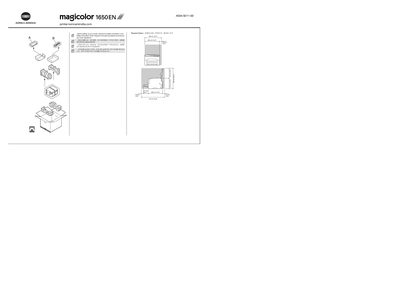
The guide starts with safety precautions, reminding users to read the Safety Information Guide and to dispose of packaging according to local regulations. It also lists the required floor space and dimensions for proper placement of the printer.
Installation steps cover connecting the printer via Ethernet or USB (cables not included), handling the plug‑and‑play dialog, and installing the printer driver from the supplied CD/DVD. Special notes are provided for Windows Vista users, and the guide finishes with basic operation, troubleshooting, and consumable replacement instructions.
| Maximum paper capacity | 200 sheets |
|---|---|
| Input voltage | 120 VAC, 50/60 Hz |
| Operating voltage range | 220 V - 240 V AC, 50/60 Hz |
| Required floor space | 496 mm x 396 mm x 245 mm |