
This document provides instructions for setting up and configuring a Konica Minolta printer. It includes information on safety precautions, disposal of packaging materials, physical dimensions of the printer, driver installation, and connecting the printer to a computer.
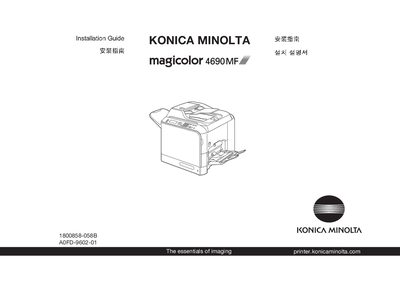
This guide provides the steps needed to install the Konica Minolta magicolor 4690MF printer. It begins with safety information and required workspace dimensions, then describes power options and the necessary Ethernet connection. The guide also explains when to connect the USB cable and how to install the driver CD/DVD on a PC.
Additional sections cover basic operation, troubleshooting, consumable replacement, and fax functionality. The document includes multilingual notices and notes that cables and the driver disc are not included in the shipment.
| Maximum paper capacity | 250 sheets |
|---|---|
| Supported paper weight | 60‑90 g/m² (16‑24 lb) |
| Power voltage (option 1) | 120 V AC, 50/60 Hz |
| Power voltage (option 2) | 220‑240 V AC, 50/60 Hz |
No, do not connect the USB cable to the printer until instructed to do so.
The printer can operate on 120 V AC, 50/60 Hz or on 220‑240 V AC, 50/60 Hz.
It can hold up to 250 sheets of paper.
An Ethernet cable is required for network connection; it is not included in the shipment.