
The document is a user guide of Konica Minolta printer. The document contains user guide in English, German, French, Italian, Spanish, Portugese and Chinese.
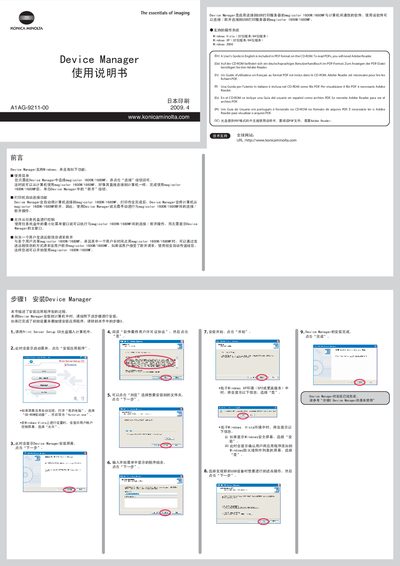
This manual describes the installation process for the Device Manager software, which enables communication between a computer and Konica Minolta magicolor 1600W/1680MF printers through a USB print server. It covers supported Windows operating systems, basic usage steps, and optional features such as automatic connection and application launch.
The guide also provides troubleshooting tips, remote disconnect requests, and instructions for handling multiple users sharing the same printer. All steps are illustrated with screenshots and include multilingual notes for English, Chinese, German, French, Italian, Spanish, Portuguese, and Japanese users. This manual is written in Chinese.
| Supported Operating Systems | Windows Vista (32‑/64‑bit), Windows XP (32‑/64‑bit), Windows 2000 |
|---|
Yes, enable the “automatic connection” option in the printer’s properties so the software connects, prints, and then disconnects automatically.