
This document is a user manual for the Konica Minolta PagePro 1380 MF, which introduces how to use the device and its features.
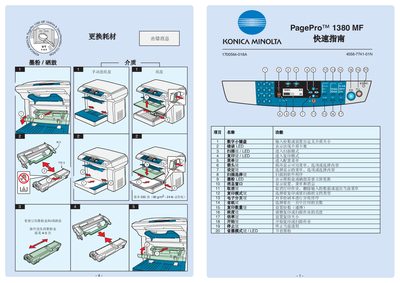
This quick guide provides essential instructions for operating the Konica Minolta PagePro 1380 MF. It covers basic functions such as printing, scanning, copying, and the use of LED indicators for status monitoring.
The guide also explains how to cancel a print job, monitor toner levels, and adjust common settings like paper size and scaling. It is intended for users who need fast, step‑by‑step directions to get the device up and running. This manual is written in Chinese.
Press the Cancel button to stop the current print job and clear the data.
The toner level is shown by the LED indicator on the device.