
This document describes the required space for magicolor 2490MF.
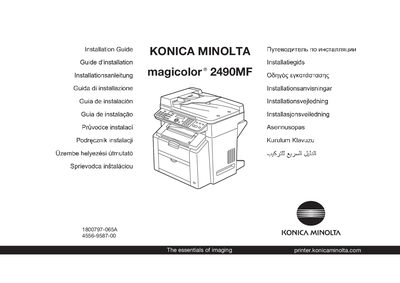
This guide begins with safety instructions that must be read before unpacking and installing the printer. It also lists the required clearance dimensions and power specifications for both 220‑240 V and 120 V operation.
The document then explains how to connect the printer, starting with the Ethernet cable (which is not supplied) and later the USB cable when prompted. It covers inserting the driver CD-ROM, basic operation of the printer/copier/scanner, troubleshooting, consumable replacement, and fax usage.
| Input Voltage (220‑240 V) | 220 V - 240 V AC, 50/60 Hz |
|---|---|
| Input Voltage (120 V) | 120 V AC, 50/60 Hz |
| Maximum Paper Capacity | 200 sheets |
| Network Interface | Ethernet (cable not included) |
| USB Interface | USB (connect only when instructed) |
The USB cable should only be connected after the installation instructions tell you to do so.
The printer can hold up to 200 sheets of paper.
No, the Ethernet cable is not included and must be connected separately.