
This document is a guide on setting up and safety information for Konica Minolta printers.
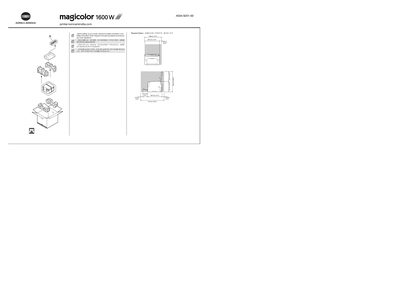
This guide provides safety information and required space dimensions before setting up the magicolor 1600W printer. It instructs you to insert the supplied Driver & Utilities CD/DVD into your PC and follow on‑screen prompts.
After the driver installation, the guide explains when and how to connect the printer to the computer with a USB cable (the cable is not included). It also includes brief sections on basic operation, troubleshooting, and replacing consumables. This manual is written in Japanese.
| Maximum paper capacity | 200 sheets |
|---|---|
| Input voltage (region 1) | 120 V AC, 50/60 Hz |
| Input voltage (region 2) | 220‑240 V AC, 50/60 Hz |
Only after the installation software prompts you; do not connect the USB cable until instructed to do so.
No, the USB cable is not included in the shipment.
The printer can hold up to 200 sheets of paper.