
KONICA MINOLTA PagePro 1380 MF is an imaging printer with efficient printing and copying functions. It has dimensions of 410mm x 441mm x 230mm, making it suitable for office use. The printer supports a maximum of 250 sheets of paper, with a paper weight range of 60-90 g/m2. It requires a USB interface for installation, and once the drivers and software are installed, it can be used for printing and copying.
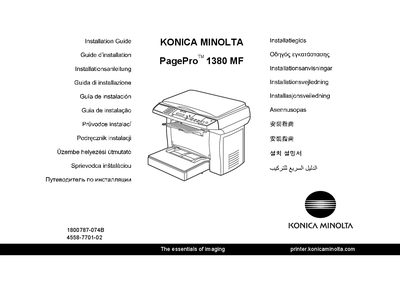
This guide provides the complete installation procedure for the Konica Minolta PagePro 1380 MF printer, including driver installation (LinkMagic, TWAIN, and printer driver), USB connection, and default printer settings. It also covers safety information, packaging material handling, and transport lock procedures.
The document includes multilingual notes, but the core instructions are presented in English, with screenshots and detailed steps for Windows operating systems. Users are directed to the accompanying User's Guide for deeper details on printing, scanning, consumables, and troubleshooting.
| Maximum paper capacity | 250 sheets |
|---|---|
| Supported paper weight | 60‑90 g/m² (16‑24 lb) |