
This is the installation guide for Konica Minolta magicolor 1680MF printer
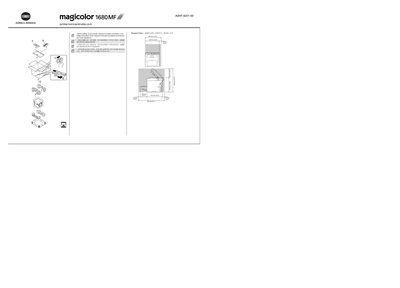
The guide begins with safety information and required space dimensions before you start installing the magicolor 1680MF printer. It reminds you to dispose of packing material according to local regulations and to review the safety guidelines.
Next, it walks you through inserting the driver CD/DVD into your PC, installing the software, and connecting the printer via USB only when instructed. Power requirements for both 120 V (US) and 220‑240 V (EU) are listed, and the manual also includes basic troubleshooting, consumable replacement, and operating the printer/copier/scanner functions. This manual is written in Chinese.
| Input Voltage (US) | 120 V AC, 50/60 Hz |
|---|---|
| Input Voltage (EU) | 220‑240 V AC, 50/60 Hz |
Do not connect the USB cable until the guide instructs you to do so; it should be connected after driver installation.
The printer can operate on 120 V AC (50/60 Hz) or 220‑240 V AC (50/60 Hz) depending on the region.
Insert the magicolor 1680MF Drivers CD/DVD into the PC’s CD‑ROM/DVD drive and follow the on‑screen instructions.