
This is a user manual for the Konica Minolta PagePro 1390 MF
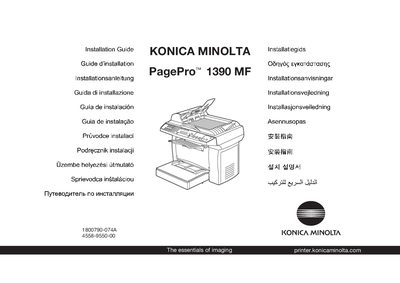
This guide provides step‑by‑step instructions for installing the Konica Minolta PagePro 1390 MF printer. It includes safety information, unpacking advice, driver and utility installation, and default printer settings.
The document also explains how to connect the printer via USB, configure driver defaults, and prepare the device for transport by securing the shipping lock. References to the Quick Guide, General Information Guide, and other user manuals are included for detailed operation and maintenance procedures.
| Power supply voltage | 230 V |
|---|---|
| Power supply voltage (alternative) | 110 V |
| Width | 492 mm |
Examine the safety information in the General Information Guide before installing the printer.
Keep all packing materials in case you need to move or ship the printer later.