
This document is the installation guide for magicolor 1690MF printer, including pre-installation preparation, installation steps, and post-installation precautions.
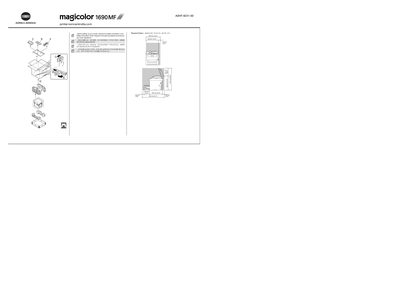
This guide provides the steps needed to set up the Konica Minolta magicolor 1690MF printer. Before beginning, read the Safety Information Guide and dispose of packaging according to local regulations. The required floor space is listed, and power specifications are provided for both 220‑240 V and 120 V AC supplies.
The installation process includes connecting an Ethernet cable (not supplied), postponing USB connection until instructed, inserting the driver CD/DVD into a PC, and following on‑screen prompts. Additional sections cover working with the printer/copier/scanner, fax functions, troubleshooting, and replacing consumables.