
This manual introduces basic operation methods for MFC-J220, MFC-J265W and MFC-J410, including faxing, copying, scanning, Image Capture Center™, and replacing consumables, and provides troubleshooting tips.
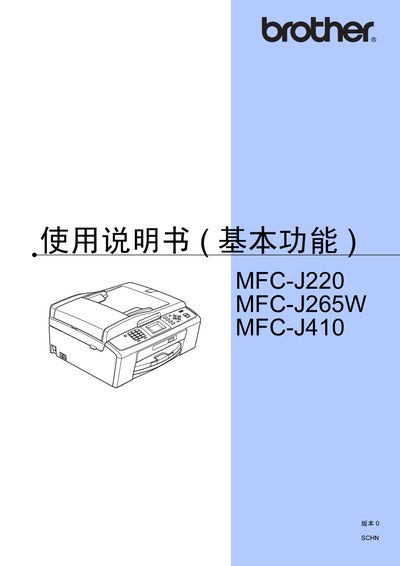
The manual provides step‑by‑step instructions for using the basic functions of Brother's MFC‑J220, MFC‑J265W and MFC‑J410 multifunction printers. It covers safety information, operation‑panel overview, paper handling, fax sending and receiving, copying, scanning, and the use of the optional media card.
Additional sections describe routine maintenance such as ink‑cartridge replacement, print‑head cleaning, and troubleshooting of common errors. Technical specifications of the printers are listed, and a brief guide to network setup for the MFC‑J265W model is included. This manual is written in Chinese.
| Print head nozzles | 94 × 1 piezo nozzles |
|---|---|
| Memory capacity | 32 MB |
| LCD size | 1.9 inch (48.98 mm) |
| Power supply | 220‑240 VAC, 50/60 Hz |
| Printing power consumption | ≈19.5 W |
| Standby power consumption | ≈4 W (MFC‑J265W) / ≈4.5 W (MFC‑J220, MFC‑J410) |
| Maximum paper capacity | ≈100 sheets |
See the “网络使用说明书 (仅适用于 MFC‑J265W)” section for detailed wireless network configuration steps.
The paper tray can hold approximately 100 sheets of standard paper.