
Brother MFC-J6910DW Advanced User's Guide

This manual describes the advanced features of the MFC-J6910DW, including fax, copy, security features, printing reports, and performing routine maintenance.
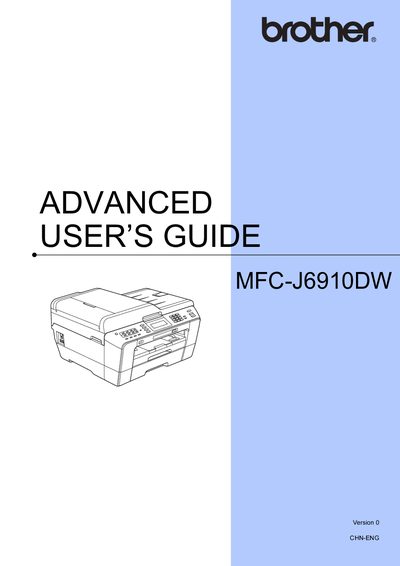

Brother MFC-J6910DW Advanced User's Guide - cover page
Brand
Brother
Category
All-in-one printer
Document type
User Manual
Language
English
Pages
80
File format
PDF
File size
4.3 MB
Published
16 March, 2012
Updated
01 October, 2023
MD5 checksum
B549191039F9D53A735E7E229C379E80

About this manual

This guide covers advanced features of the Brother MFC-J6910DW, including fax settings, security features, network configurations, and maintenance. It includes detailed instructions for setting up dial prefixes, managing user permissions, printing reports, and performing routine maintenance. The guide also explains how to use the machine’s memory storage, sleep mode, and LCD display settings.

What's inside

  • General setup
  • Security features
  • Sending a fax
  • Receiving a fax
  • Dialling and storing numbers
  • Printing reports
  • Making copies
  • Printing photos from memory card or USB
  • Printing photos from a camera
  • Routine maintenance

Frequently asked questions

What is the purpose of the Advanced User's Guide for the Brother MFC-J6910DW?

It teaches advanced operations like fax, PDF file/security, printing reports, and routine maintenance.

What happens to settings during a power failure?

Settings are retained permanently, except for date and time, which may need resetting.

Download PDF (4.3 MB)

More Brother Manuals


View all Brother manuals →