
This is a BIOS Setup Utility Guide for N68-GS motherboard.
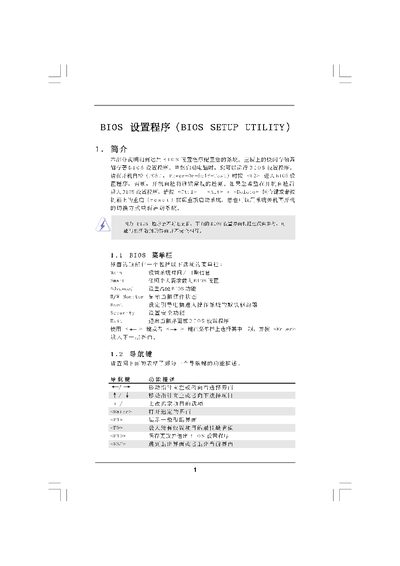
This manual describes the BIOS Setup Utility for the American Megatrends N68‑GS motherboard. It explains each screen (Main, Smart, Advanced, Security, Exit) and the functions available for configuring hardware, CPU, memory, and security settings.
The guide also provides instructions for loading default settings, saving changes, and exiting the utility, as well as detailed options for over‑clocking, CPU configuration, and memory timing parameters. This manual is written in Chinese.
| Memory Type | DDR1533 |
|---|---|
| Cache Size | 1 Cache Size, 2 Cache Size, 13 Cache Size |
Press F9 to load the default BIOS settings.
Select the Discard Changes and Exit option and confirm with OK.
Press F9 to load defaults, then press F10 to save and exit.