
This document is the user manual for the New Solution Series NSK6500, which describes the features and characteristics of the product, including meeting Intel's Thermally Advantaged Chassis (TAC) design guide requirements, coming with a 430W universal input, active PFC, single 80mm fan cooled power supply, etc.
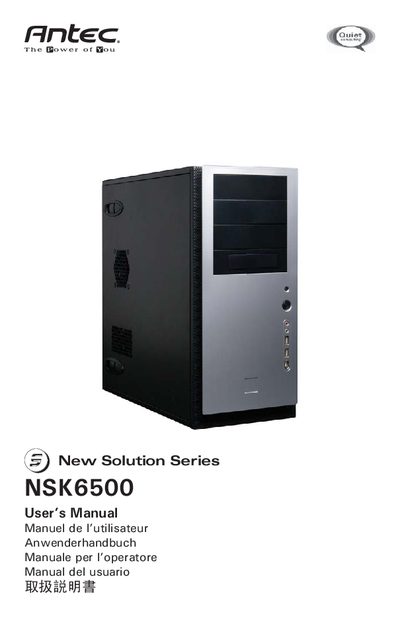
This manual covers the basic setup of the NSK6500 quiet super mid‑tower case, including placement, side‑panel removal, and internal component identification. It details the installation of the motherboard, power connections, front‑panel I/O, and optional devices such as 3.5" and 5.25" drives.
Additional sections describe the chassis air guide, cooling system with the pre‑installed TriCool fan, optional front 92 mm fan mounts, and full technical specifications. Contact information for Antec support in North America and Europe is provided at the end of the document.
| Case dimensions | 120 x 120 x 25.4 mm |
|---|---|
| Operating voltage range | 10.2 V ~ 13.8 V |
| Optional front 92 mm fan mounts | Two |
The NSK6500 includes a 430‑Watt universal‑input power supply with active PFC, a single 80 mm fan, and ATX12V version 2.01 compatibility.
The case provides two optional 92 mm fan mounts in the front of the HDD cage.
The default setting of the TriCool fan is Low, which is recommended for quiet operation.
The HDD cage contains five individual hard‑drive bays, each with a silicone‑grommet tray.