
This user guide covers handling, setup, configuration, maintenance, and troubleshooting for the Zebra ZT600 Series industrial printer.
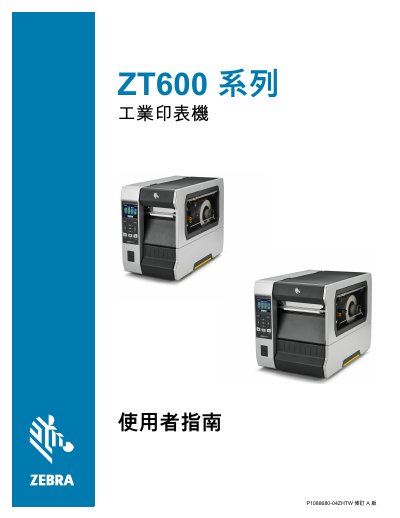
This manual provides comprehensive instructions for operating and maintaining the Zebra ZT600 Series industrial printer. It includes detailed procedures for unpacking, installing drivers, connecting via USB or network, and configuring various settings such as print mode, label width, and RFID parameters.
The guide also addresses routine maintenance tasks like cleaning the printhead and rollers, replacing consumables, and performing diagnostic tests to ensure optimal performance. This manual is written in Chinese.
The printer can be stored at temperatures between –40°F and 140°F (–40° to 60°C).
Many Zebra printers have a printing speed that can reach up to 14 ips.
The printer features a backlit liquid crystal display (LCD) that provides operational information.