
This is the instruction manual for Sony DCR-TRV240/TRV340/TRV740/TRV840 camcorder, introducing the main features of the product, shooting still images or animation and playback functions, exposure adjustment functions, digital zoom, gradient, image effect, digital effect, title, etc., to make the shooting image more effective, sports class mode, landscape mode, manual focus, etc., to make the shooting image more natural, as well as the functions used on the recorded tape, such as END SEARCH/EDITSEARCH/image review, DATA CODE, tape PB ZOOM, ZERO SET MEMORY, digital program editing, etc.
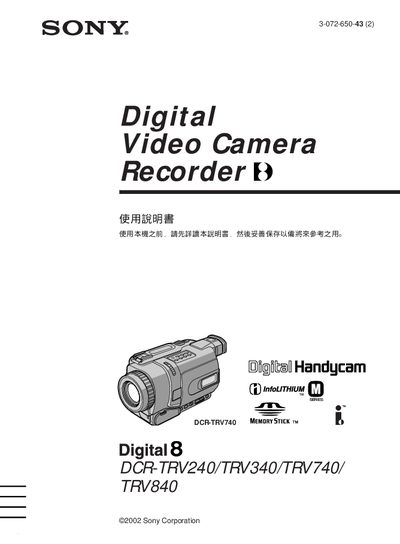
This manual provides step‑by‑step instructions for operating Sony DCR‑TRV series camcorders, covering basic functions such as recording, playback, and menu navigation. It also includes safety warnings, battery handling, and troubleshooting tips.
The guide details advanced features like zoom control, night‑shot modes, and memory stick usage, and lists specifications for each model, including LCD size and optical zoom ranges. This manual is written in Japanese.
| LCD screen size | 6.2 cm (TRV240/TRV340/TRV740) / 8.8 cm (TRV840) |
|---|---|
| Optical zoom | 700× (TRV240/TRV340) / 420× (TRV740/TRV840) |
Press the START/STOP button on the camcorder to begin or end recording.
Use the DATE SEARCH function in the menu to set the recording date and time.
Do not expose the camcorder to rain, moisture, or wet conditions to prevent fire or electric shock.