
This document is an instruction manual for the Sony DCR-TRV240E/TRV241E/TRV340E/TRV341E/TRV740E digital video camera. The camera is equipped with advanced features and is easy to use, allowing users to capture precious moments in life.
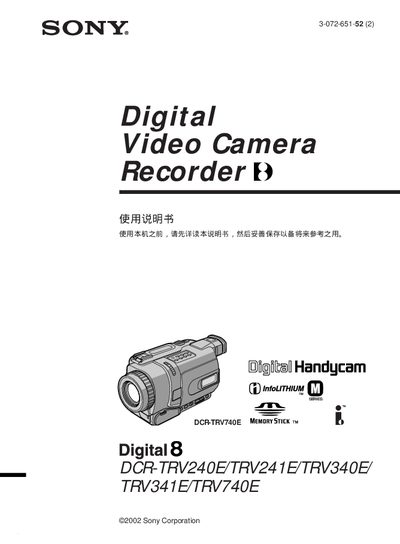
This manual covers the Sony Handycam DCR‑TRV series (models 240E, 241E, 340E, 341E, and 740E). It explains basic setup, shooting functions, playback options, and how to use Memory Stick media.
Key sections include quick‑start instructions, detailed shooting and playback procedures, memory‑stick operations, safety warnings, and troubleshooting tips to help users capture and view video safely and efficiently. This manual is written in Japanese.
| Digital Zoom | 700x / 800x / 700x / 700x / 420x (per model) |
|---|---|
| Supported Media | Memory Stick |
| Power Input | AC adapter (included) |
Press the START/STOP button to begin or end recording.
Connect the camcorder to a PC via the USB port and access the files stored on the Memory Stick.