
Key facts
- Brand
- SONY
- Model
- SR100E
- Documents
- 2
- Languages
- ZH · JA
- Last added
- 2000-01-01
Start here
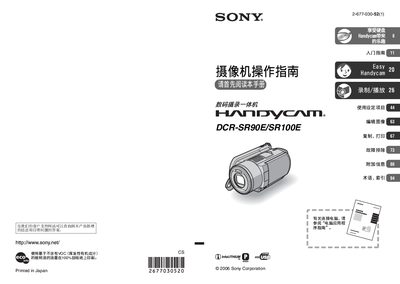
Sony DCR-SR90E/SR100E Camcorder User Manual
This manual guides users through safe handling, power management, and basic operation of the Sony DCR‑SR90E/SR100E Handycam camcorder. It includes warnings about moisture, fire risk, and proper battery use, as well as instructions for connecting USB cables and avoiding mechanical shock.
The guide covers detailed functions such as Easy Handycam operation, recording and playback settings, file management on the built‑in hard‑disk, copying and printing via PictBridge, and troubleshooting tips. Additional sections provide information on the Carl Zeiss lens, high‑altitude usage limits, and how to transfer images to a computer. This manual is written in Chinese.
SONY SR100E specifications
| LCD and viewfinder effective pixel coverage | over 99.99% |
|---|---|
| Video playback format | PAL |
| Maximum recording time (HQ mode) | over 7 hours |
All SONY SR100E documents by type
Day-to-day operation, settings and troubleshooting. Start here if the product is already set up.
Questions answered in these manuals
Can the camcorder be used at high altitude?
No, it cannot be used in low‑pressure areas above 3000 m.
How can recorded images be transferred to a computer?
Connect the camcorder to a computer with a USB cable and follow the Computer Application Guide.
What should I avoid to prevent fire or damage?
Do not expose the camcorder to rain or humid environments, and avoid operating it in wet conditions.
Can I connect the camcorder via USB?
Yes, you can connect the camcorder with a USB cable, but be sure to insert it in the correct direction and avoid forcing the connection.