
This document is an instruction manual for the Sony DCR-SR90E/SR100E Hard Disk Handycam camcorder. The document provides information on the camcorder's getting started guide, Easy Handycam feature, recording/playback, setting items, copying/printing, troubleshooting, additional information, terminology index, and image editing.
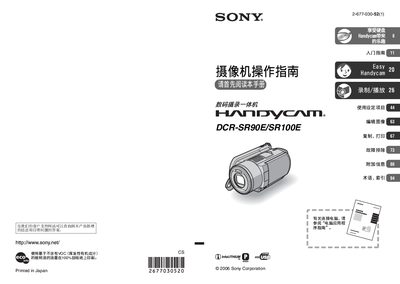
This manual guides users through safe handling, power management, and basic operation of the Sony DCR‑SR90E/SR100E Handycam camcorder. It includes warnings about moisture, fire risk, and proper battery use, as well as instructions for connecting USB cables and avoiding mechanical shock.
The guide covers detailed functions such as Easy Handycam operation, recording and playback settings, file management on the built‑in hard‑disk, copying and printing via PictBridge, and troubleshooting tips. Additional sections provide information on the Carl Zeiss lens, high‑altitude usage limits, and how to transfer images to a computer. This manual is written in Chinese.
| LCD and viewfinder effective pixel coverage | over 99.99% |
|---|---|
| Video playback format | PAL |
| Maximum recording time (HQ mode) | over 7 hours |
No, it cannot be used in low‑pressure areas above 3000 m.
Connect the camcorder to a computer with a USB cable and follow the Computer Application Guide.
A PAL‑compatible television is required for playback.