
Key facts
- Brand
- Panasonic
- Model
- KX-NT136
- Category
- Telephone
- Industry
- Electronics
- Documents
- 2
- Languages
- EN
- Last added
- 2012-08-07
Start here
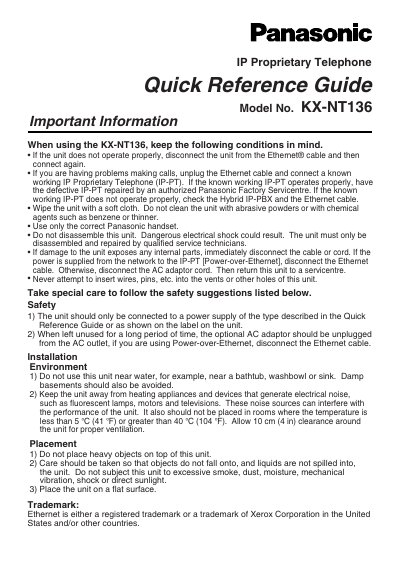
Panasonic KX-NT136 IP Proprietary Telephone Quick Reference Guide
This document serves as a Quick Reference Guide for the Panasonic KX-NT136 IP Proprietary Telephone. It provides essential information regarding safety precautions, installation environment requirements, and basic operational procedures. The guide includes instructions on how to handle the unit safely, such as cleaning methods and power disconnection steps in case of malfunction.
The text details various calling features and operations, including one-touch dialing, speed dialing, call hold, transfer, and call pickup. It also explains how to use the display for call logs and directories, enter characters using the dialing buttons, and access system features like volume adjustment and ring tone settings.
Panasonic KX-NT136 specifications
| Model Number | KX-NT136 |
|---|---|
| Product Type | IP Proprietary Telephone |
| Max Digits for Store | 32 digits |
| Max Characters for Name | 20 characters |
| Class | Class B digital device |
Source: Panasonic KX-NT136 IP Proprietary Telephone Quick Reference Guide
All Panasonic KX-NT136 documents by type
Day-to-day operation, settings and troubleshooting. Start here if the product is already set up.
The shortest path to a working setup, usually only a few pages.
Questions answered in these manuals
What should I do if the unit does not operate properly?
Disconnect the unit from the Ethernet cable and then connect it again.
From: Panasonic KX-NT136 IP Proprietary Telephone Quick Reference Guide
How should I clean the unit?
Wipe the unit with a soft cloth. Do not use abrasive powders or chemical agents.
From: Panasonic KX-NT136 IP Proprietary Telephone Quick Reference Guide
What should I do if the IP‑PT line does not work?
Use an independent backup phone so you can operate the telephone in emergency situations.
From: Panasonic KX-NT136 IP Private Telephone Operating Manual
Can I insert pins or other objects into the telephone ports?
No, do not insert pins, needles, or other objects into any ports or openings.
From: Panasonic KX-NT136 IP Private Telephone Operating Manual