
Key facts
- Brand
- Panasonic
- Model
- WV-SW598
- Industry
- Electronics
- Documents
- 3
- Languages
- ZH · EN · ES
- Last added
- 2026-11-07
Start here
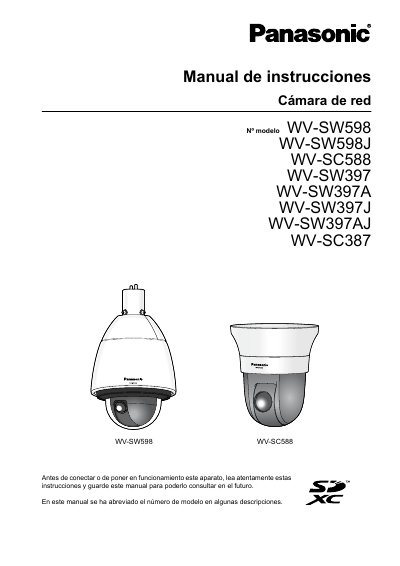
WV-SW598/WV-SW598J/WV-SC588/WV-SW397/WV-SW397A/WV-SW397J/WV-SW397AJ/WV-SC387/WV-SC588/WV-SW598 Network Camera Operation Manual
This manual provides instructions for operating Panasonic WV-SW598, WV-SC588, WV-SW397, and WV-SC387 network cameras. It explains how to view live images on computers and mobile devices, manage alarms, and transfer images via FTP. The guide also details how to configure basic settings, manage SD card storage, and access the camera's menu system. This manual is written in Spanish.
Read onlinePanasonic WV-SW598 specifications
| Resolution | 1080p (1920 x 1080) |
|---|---|
| Zoom | 30x optical, 12x digital |
| Dynamic Range | 128x wider |
| Minimum Illumination | 0.5 lx (Color), 0.06 lx (B/W) |
| Water and Dust Resistance | IP66 |
| Operating Temperature | -50°C ~ +55°C |
All Panasonic WV-SW598 documents by type
Day-to-day operation, settings and troubleshooting. Start here if the product is already set up.
Questions answered in these manuals
What is the maximum zoom capability of the camera?
The camera has 30x optical zoom and 12x digital zoom, enabling up to 1080x zoom.
What is the dynamic range of the camera?
The camera features Super Dynamic and ABS technologies for a 128x wider dynamic range.
What is the optical zoom capability of the WV‑SW598?
The camera provides 30× optical zoom, with up to 90× extra optical zoom at lower resolutions.
From: Panasonic WV-SW598 PTZ Dome Network Camera User Manual
What power sources can be used with the camera?
The camera can be powered by 24 V AC (3.5 A) or via PoE+ (470 mA, 25 W).
From: Panasonic WV-SW598 PTZ Dome Network Camera User Manual
What software is needed to view images from this camera on a computer?
You need to install the viewer software "Network Camera View 4S" (ActiveX).
What does the installation guide explain?
It explains how to install and connect the devices.