
Key facts
- Brand
- Panasonic
- Model
- WV-S1132H
- Category
- Monitoring Equipment
- Documents
- 2
- Languages
- ZH
- Last added
- 2023-10-31
Start here
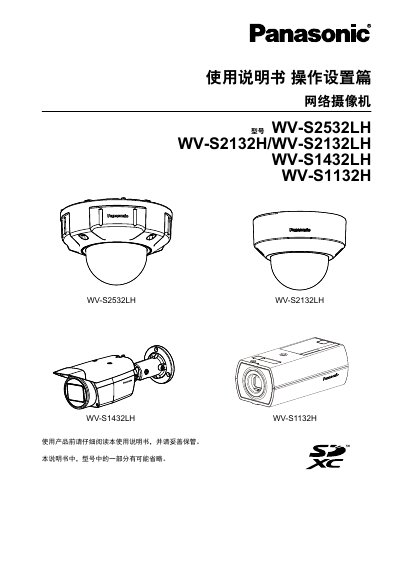
Panasonic WV-S2532LH / WV-S2132H/LH / WV-S1432LH / WV-S1132H Network Camera Operating Instructions
These Panasonic operating instructions are for the WV-S2532LH, WV-S2132H, WV-S2132LH, WV-S1432LH, and WV-S1132H network cameras. The document explains initial administrator registration and installation of the Network Camera View 4S (ActiveX) player software, and notes that some illustrations use the WV-S1132H and may differ by model.
The manual covers viewing camera images on a PC and mobile devices, recording and playback with an SD memory card, alarm actions, FTP image transmission, and camera setup through the settings menu. It also includes easy settings, user management, maintenance, and troubleshooting. This manual is written in Chinese.
Panasonic WV-S1132H specifications
| Product standards | GB/T9254, GB4943.1 |
|---|---|
| Camera weight | 350 g |
| Mounting bracket weight | about 420 g |
| Lens protrusion distance | less than 4.5 mm |
| Safe use altitude | below 2000 m |
| Climate condition | non-tropical climate only |
Source: Panasonic WV-S1132H Network Camera Installation Guide
All Panasonic WV-S1132H documents by type
Mounting, wiring and first power-up. Read it before the hardware goes in.
Day-to-day operation, settings and troubleshooting. Start here if the product is already set up.
Questions answered in these manuals
What should be done before installing the camera when using an SD card?
Insert the SD card before installation: open the side cover, insert the card fully into the slot until it clicks, then close the cover.
How is the drop prevention cord fixed?
Pass the cord through the threading hole and secure the cord terminal plate to the fixing screw hole with the supplied screw.
What software is required to display H.265 or H.264 images?
The Network Camera View 4S (ActiveX) player software must be installed.
From: Panasonic WV-S2532LH / WV-S2132H/LH / WV-S1432LH / WV-S1132H Network Camera Operating Instructions
How many characters can the administrator username contain?
The administrator username can contain 1 to 32 characters.
From: Panasonic WV-S2532LH / WV-S2132H/LH / WV-S1432LH / WV-S1132H Network Camera Operating Instructions