
Key facts
- Brand
- Panasonic
- Model
- WV-SF330 Series
- Category
- Monitoring Equipment
- Documents
- 2
- Languages
- ZH · EN
- Last added
- 2023-10-31
Start here
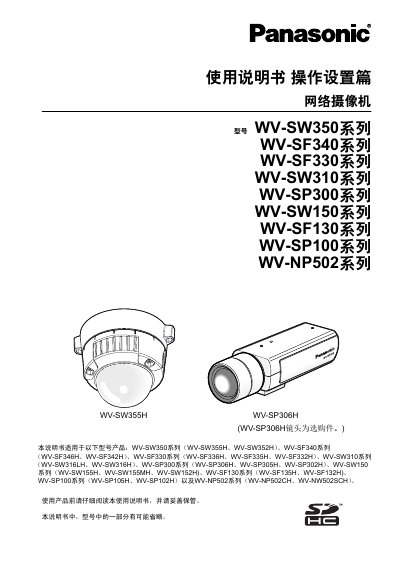
Panasonic WV-SW350 Series Network Camera Operation Manual
This manual is the operation and setup part for Panasonic network cameras, including the WV-SW350, WV-SF340, WV-SF330, WV-SW310, WV-SP300, WV-SW150, WV-SF130, WV-SP100, and WV-NP502 series. It explains monitoring images from a computer or mobile device, recording to SD cards, alarm actions, FTP image transfer, playback, and camera settings.
The manual also covers network, user, server, video/audio, alarm, and image analysis settings. Screenshots are based on the WV-SW355H, and some functions apply only to the listed models. This manual is written in Chinese.
All Panasonic WV-SF330 Series documents by type
Day-to-day operation, settings and troubleshooting. Start here if the product is already set up.
Questions answered in these manuals
How can I install the player software if it is not installed on the computer?
You can install it by connecting to the camera, or by clicking the Install button for Player Software on the supplied disc and following the installation wizard.
From: Panasonic WV-SW350 Series Network Camera Operation Manual
What are the two parts of the manual for each camera model?
The manual consists of an installation manual and an operation/setup manual.
From: Panasonic WV-SW350 Series Network Camera Operation Manual