
Key facts
- Brand
- Nikon
- Model
- COOLPIX P600
- Category
- Digital cameras
- Documents
- 3
- Languages
- ZH · EN
- Last added
- 2026-10-18
Start here
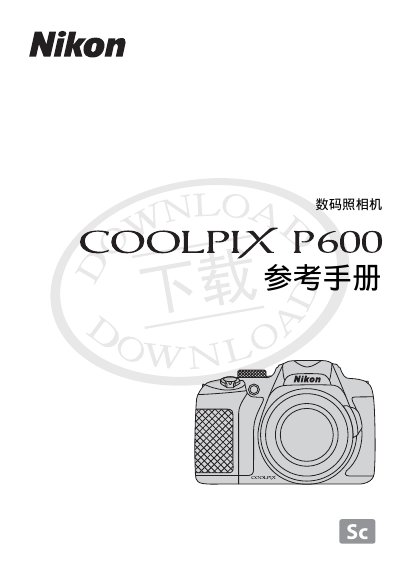
Nikon COOLPIX P600 digital camera User Manual
This user manual is for the Nikon COOLPIX P600 digital camera and is published by Nikon Corporation (©2014).
The text references Nikon support websites such as nikon.com.cn, nikonusa.com, europe-nikon.com, nikon-asia.com and imaging.nikon.com, and mentions SD/SDHC/SDXC memory cards and Wi-Fi settings.
Nikon COOLPIX P600 specifications
| C‑mount outer diameter | 25.4 mm |
|---|---|
| Conversion ring diameter | 30 mm |
| Compatible C‑mount type | Direct (1.0) only |
All Nikon COOLPIX P600 documents by type
Day-to-day operation, settings and troubleshooting. Start here if the product is already set up.
Questions answered in these manuals
What battery is compatible with this camera?
The EN-EL5 is the dedicated rechargeable lithium-ion battery for the COOLPIX P6000.
Can I use a travel transformer with this camera?
No, do not connect electronic transformers or AC/DC inverters intended for overseas travel.
Who publishes the COOLPIX P600 manual?
The manual is published by Nikon Corporation (©2014).
Which memory cards does the COOLPIX P600 use?
It uses SD, SDHC and SDXC memory cards.
How can I set the camera for manual exposure with the adapter?
Rotate the MODE DIAL to M (manual), press FOCUS MODE, select MF, set ISO, aperture (F‑number), and shutter speed as needed, then capture the image.
What ISO range should I use to avoid noise?
Keep ISO at or below 800; higher values may introduce noise.