
This document is the user manual for the Mobile Broadband 11n Wireless Router MBR1210, released by Netgear. It provides instructions on how to use the product and highlights its features and characteristics.
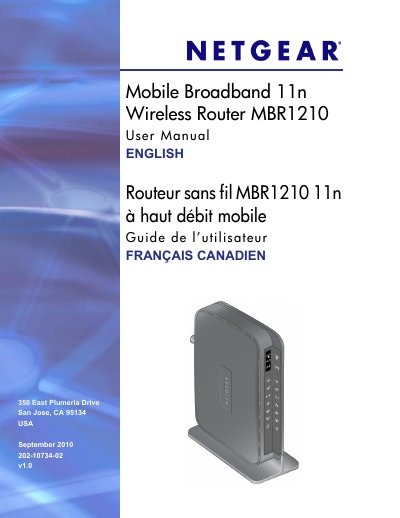
This manual provides step‑by‑step instructions for connecting the NETGEAR MBR1210 mobile broadband 11n router to the Internet, configuring wireless settings, and managing network features such as QoS, port forwarding, and content filtering.
It also includes hardware details, LED status explanations, factory‑default restoration, firmware upgrades, and a technical specifications section covering power, dimensions, environmental limits, and interface standards.
| Network Protocols | TCP/IP, DHCP |
|---|---|
| Power Adapter | 12 V DC @ 1.5 A (North America 120 V AC, 60 Hz) |
| Dimensions | 6.8 in. × 5.03 in. × 1.28 in. (173 mm × 128 mm × 33 mm) |
| Weight | 0.65 lb (0.29 kg) without the stand |
| Operating Temperature | 0 °C to 40 °C (32 °F to 104 °F) |
| Operating Humidity | Up to 90 % non‑condensing |
| LAN Interface | 10BASE‑T or 100BASE‑Tx, RJ‑45 |
| WAN Interface | 10BASE‑T or 100BASE‑Tx, RJ‑45 |
| Antenna Connector | R‑TNC (optional external antenna) |
Locate the small reset hole on the back, insert a paperclip and hold for 6 seconds; the LED will flash amber then turn green and the router will reset.
Solid blue means the Wi‑Fi radio is initialized, blinking blue shows data transmission, and off means the wireless access point is turned off.
The router uses a 12 V DC @ 1.5 A adapter; in North America the input is 120 V AC, 60 Hz.
The router measures 6.8 in × 5.03 in × 1.28 in (173 mm × 128 mm × 33 mm).