
This document is the user manual for the NETGEAR MBR1210 wireless router, which introduces the product's features, characteristics and usage methods.
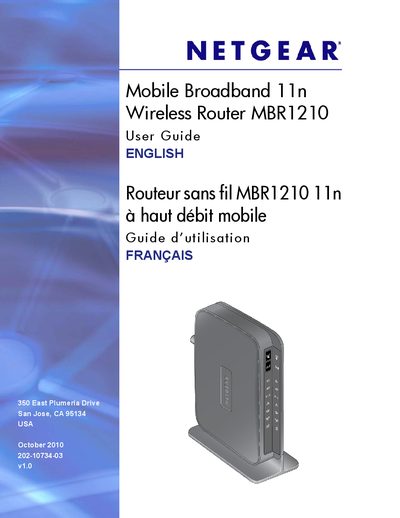
This guide explains how to install and connect the Netgear MBR1210 Mobile Broadband 11n Wireless Router, covering hardware features, front‑panel LEDs, and the required steps to establish an Internet connection using mobile broadband or Ethernet. It also describes how to position the router, attach the stand, and verify signal quality.
The manual details wireless network configuration, security options (WEP, WPA/WPA2, WPS), advanced settings such as port forwarding, QoS, and remote management, as well as backup, restore, and factory‑reset procedures. Troubleshooting tips for common connectivity and configuration issues are included.
| Wireless standard | 802.11n |
|---|---|
| Firmware version | v1.0 |
Press the WPS button on the front panel to open a 2‑minute window during which WPS‑enabled devices can connect.
Select the "Backing Up the Configuration to a File" option in the router’s management interface.