
This guide only explains the basic operations of the ECOSYS P5021cdn/P5021cdw/ECOSYS P5026cdn/P5026cdw printer. For other information, see Operation Guide on the Product Library disc.
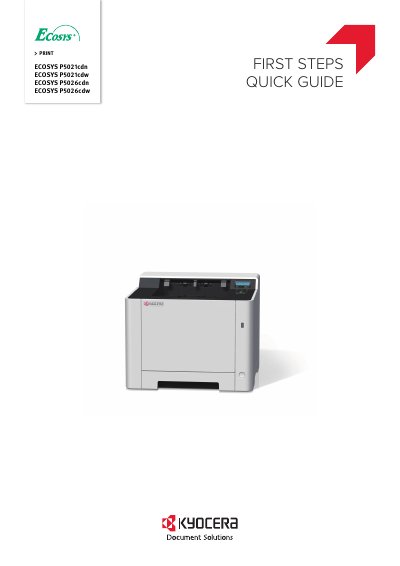
This guide explains how to unpack, set up, and perform basic operations on Kyocera ECOSYS P5021cdn, P5021cdw, P5026cdn, and P5026cdw printers. It covers connecting power and network cables, loading paper, replacing the operation panel sheet, and adjusting altitude settings for high-altitude use. For detailed instructions, refer to the Operation Guide (B) on the Product Library disc.
The guide is multilingual, providing instructions in multiple languages including English, Spanish, French, German, Italian, Portuguese, Russian, Chinese, Korean, Japanese, and Turkish.
This guide covers basic operations such as unpacking, setting up the toner container, loading paper, replacing the operation panel sheet, and adjusting altitude for high-altitude use.
For more detailed instructions, see the Operation Guide (B) on the Product Library disc.