
This is a user manual for a multifunction printer, which can help users operate the machine correctly, perform routine maintenance, and take simple troubleshooting measures as needed so that the machine can always be used in the optimum condition.
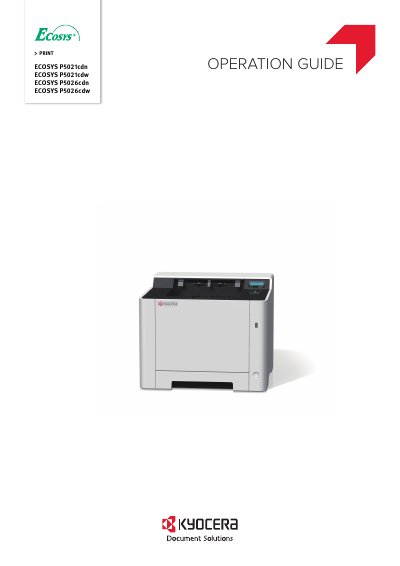
This document serves as the official Operation Guide for the Kyocera ECOSYS P5021cdn, P5021cdw, P5026cdn, and P5026cdw multifunction printers. It is designed to assist users in operating the machine correctly, performing routine maintenance tasks, and executing simple troubleshooting measures to ensure the device remains in optimum condition. The guide emphasizes the use of genuine Kyocera toner containers to prevent potential failures caused by third-party supplies.
You can use this function to save toner consumption when you only need to check the printed content or when a high-quality print is not required.
The machine automatically switches into Sleep Mode to save energy as needed.
You can temporarily save a printer document in the machine to prevent someone from taking your document until you print it.