
Kyocera ECOSYS P5021cdn ECOSYS P5021cdw ECOSYS P5026cdn ECOSYS P5026cdw Quick Start Guide

This is the quick start guide for ECOSYS P5021cdn ECOSYS P5021cdw ECOSYS P5026cdn ECOSYS P5026cdw
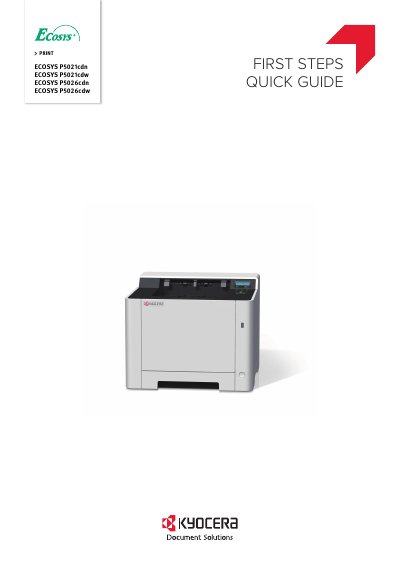

Kyocera ECOSYS P5021cdn ECOSYS P5021cdw ECOSYS P5026cdn ECOSYS P5026cdw Quick Start Guide - cover page
Brand
Kyocera
Category
Printer
Document type
Quick Start Guide
Language
English
Pages
36
File format
PDF
File size
1.9 MB
Published
17 October, 2023
Updated
17 October, 2023
MD5 checksum
E94B5464BB51D7024C5EFF310C5CB262

About this manual

This guide explains the basic setup and operations of Kyocera ECOSYS P5021cdn, P5021cdw, P5026cdn, and P5026cdw printers. It covers unpacking, connecting power and network cables, loading paper, replacing the operation panel sheet, and altitude adjustment for high-altitude environments. For more detailed information, refer to the Operation Guide (B) on the Product Library disc.

What's inside

  • Unpacking
  • Setting up the Toner Container
  • Loading Paper
  • Replace Operation Panel Sheet
  • Altitude Adjustment
  • Power On
  • Network Connection
  • USB Connection
  • Maintenance
  • Quality Certificate

Frequently asked questions

What does this guide explain?

This guide (A) only explains the basic operations of the machine.

Where can I find more information?

For other information, see Operation Guide (B) on the Product Library disc.

Download PDF (1.9 MB)

More Kyocera Manuals


View all Kyocera manuals →