
This is a printer manual that introduces the components and usage of the printer.
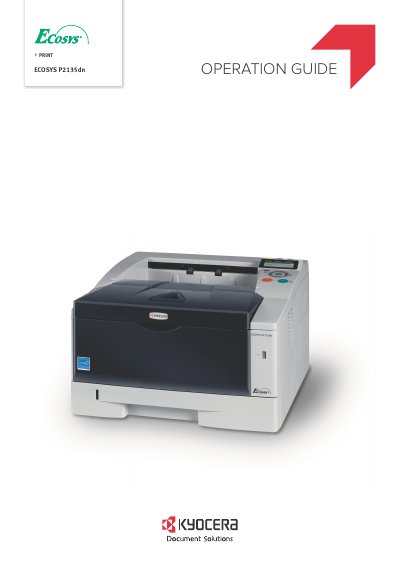
This Operation Guide helps users operate the Kyocera ECOSYS P2135dn printer correctly, perform routine maintenance, and handle basic troubleshooting. It includes sections on machine parts, paper handling, connecting and printing, maintenance, troubleshooting, and using the operation panel. The guide also covers legal and safety information, license agreements, and font licensing. It supports both inch and metric versions of the machine, with inch version details shown in the guide.
The guide is intended for users who want to use the printer with its own brand supplies, as third-party supplies may cause damage. It includes detailed instructions for loading paper, connecting to networks, installing drivers, using AirPrint, and managing settings like security and network configurations.
This guide helps you operate the machine correctly, perform routine maintenance, and take simple troubleshooting actions.
The manufacturer recommends using their own brand supplies for the machine.
The manufacturer will not be liable for any damage caused by the use of third party supplies.