
Kyocera ECOSYS P2135dn Advanced Operation Guide

This is a printer operation guide for ECOSYS P2135dn
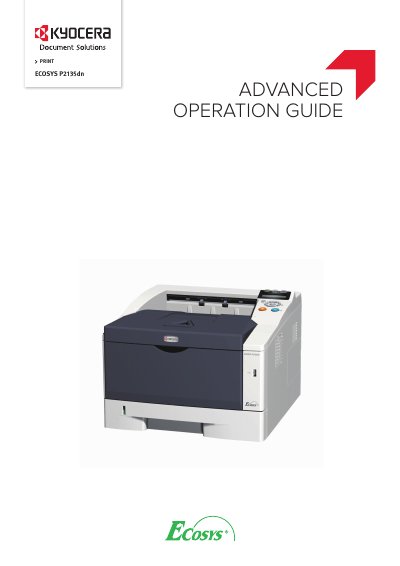

Kyocera ECOSYS P2135dn Advanced Operation Guide - cover page
Brand
Kyocera
Category
Printer
Document type
User Manual
Language
English
Pages
130
File format
PDF
File size
1.9 MB
Published
17 October, 2023
Updated
17 October, 2023
MD5 checksum
CB7B09FE75D51C8A6D496D00A76F7440

About this manual

This document serves as an advanced operation guide for the Kyocera ECOSYS P2135dn printer. It details how to select and handle paper, configure settings via the operation panel, and manage optional hardware components. The guide also explains computer interface connections and provides information on administrator settings and network configurations.

What's inside

  • Paper Handling
  • Using the Operation Panel
  • Option
  • Computer Interface
  • Administrator
  • Network Settings
  • Glossary
  • Index

Frequently asked questions

What is the purpose of this guide?

This guide explains how to choose, handle, and load paper, as well as how to use the operation panel to configure the printer.

What does Chapter 3 cover?

Chapter 3 explains the options available for this printer.

What does Chapter 4 cover?

Chapter 4 explains the possible connections between the printer and your computer.

Download PDF (1.9 MB)

More Kyocera Manuals


View all Kyocera manuals →