
Kyocera ECOSYS M5521cdn/M5521cdw Operation Guide

Operation guide for Kyocera ECOSYS M5521cdn and M5521cdw multifunction printers covering installation, operation, maintenance, and troubleshooting.
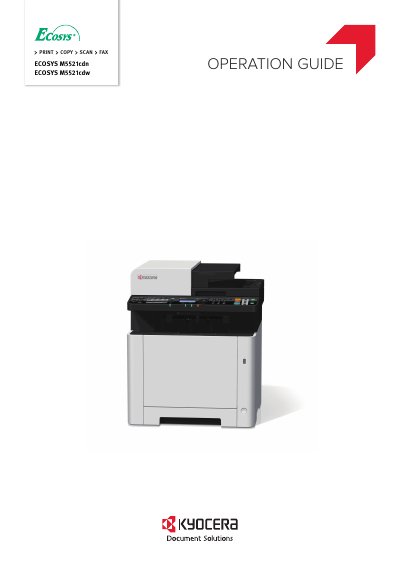

Kyocera ECOSYS M5521cdn/M5521cdw Operation Guide - cover page
Brand
Kyocera
Category
Printer
Document type
User Manual
Language
English
Pages
399
File format
PDF
File size
13.9 MB
Published
02 November, 2026
Updated
02 November, 2026
MD5 checksum
1B79FDDD9C8E6DF5A1353F96FE8FD275

About this manual

This Operation Guide provides instructions for the Kyocera ECOSYS M5521cdn and ECOSYS M5521cdw machines. It covers installation, setup, operation, maintenance, and troubleshooting to help users operate the machine correctly and maintain it in optimum condition. The guide recommends using genuine Kyocera toner containers to prevent failure.

What's inside

  • Preface
  • Legal and Safety Information
  • Installing and Setting up the Machine
  • Preparation before Use
  • Printing from PC
  • Operation on the Machine
  • Using Various Functions
  • Status/Job Cancel
  • Setup and Registration
  • Troubleshooting

Specifications

FunctionsCopy, Print, Scan, Fax

Frequently asked questions

What is the recommended toner?

We recommend using genuine Kyocera toner containers.

Where is the serial number located?

The serial number is printed in a specific location on the equipment.

Download PDF (13.9 MB)

More Kyocera Manuals


View all Kyocera manuals →