
Key facts
Start here
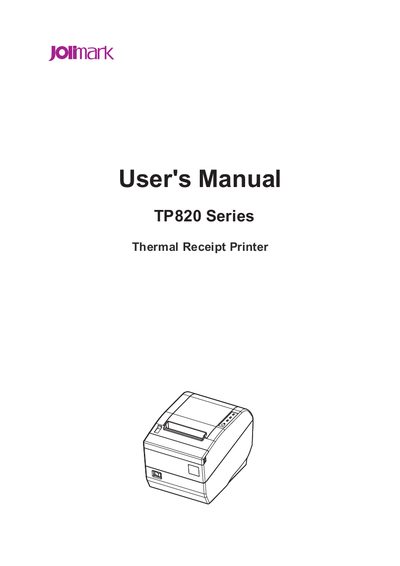
Jolimark TP820 Thermal Receipt Printer User Manual
This manual covers important safety instructions for the TP820 thermal receipt printer, including handling of the thermal head, power connection, and environmental requirements. It also outlines the warranty disclaimer and FCC compliance statements.
The guide details the installation process—unpacking, connecting power and interface cables (parallel, USB, serial, Ethernet, cash drawer), and configuring the printer driver. Subsequent chapters describe the control panel, paper loading, cutter types, troubleshooting, and command reference for printing and barcode functions.
Jolimark TP820 specifications
| Interface Types | Parallel, USB, Serial, Ethernet, Cash Drawer |
|---|---|
| Cutter Types | Partial cutter and full cutter |
| Print Quality | High-quality, high-reliability, low-noise |
All Jolimark TP820 documents by type
Day-to-day operation, settings and troubleshooting. Start here if the product is already set up.
Questions answered in these manuals
What safety precaution should I take with the thermal head?
Do not touch the thermal head with your hand or any solid object to avoid burns or damage.
What interfaces does the TP820 printer support?
The TP820 supports parallel, USB, serial, Ethernet, and cash drawer interfaces.
How do I install the printer driver?
Install the driver by inserting the CD into the computer, then running the Setup.exe file, or manually selecting the printer port and installing the driver through the Windows Printers settings.