
Key facts
Start here
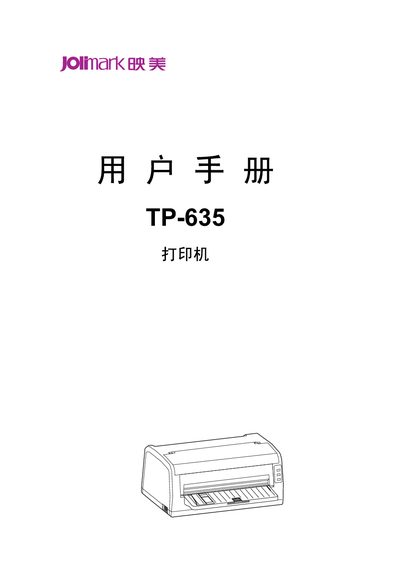
Jolimark TP-635 Printer User Manual
The Jolimark TP-635 is a 24‑pin flat‑bed receipt printer with a maximum resolution of 360 × 360 dpi and a 132 KB data buffer. It supports multiple interfaces such as Ethernet, USB and serial ports, and is compatible with OKI 5530SC and Epson ESC/PK2 command sets.
The manual covers safety precautions (e.g., keep the printer away from liquids and hot surfaces), unpacking, installation on a stable surface, connection of power and data cables, operation of the control panel, and routine cleaning and maintenance procedures. This manual is written in Chinese.
Jolimark TP-635 specifications
| Print head pins | 24 |
|---|---|
| Resolution | 360 × 360 dpi |
| Data buffer size | 132 KB |
| Supported interfaces | Ethernet, USB, serial |
| Compatibility | OKI 5530SC, Epson ESC/PK2 |
All Jolimark TP-635 documents by type
Day-to-day operation, settings and troubleshooting. Start here if the product is already set up.
Questions answered in these manuals
How should the printer be cleaned?
Use a slightly damp cloth; do not use alcohol or other chemical cleaners. Gently wipe the surface without inserting objects into the printer openings.
What interfaces are available on the TP-635?
The printer can be equipped with Ethernet, USB, or serial interfaces depending on the specific model configuration.