
Key facts
Start here
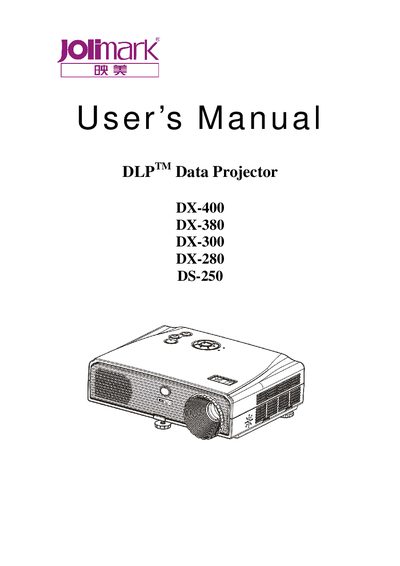
Jolimark DX-400/DX-380/DX-300/DX-280/DS-250 Data Projector User Manual
This manual begins with safety instructions covering proper handling, cleaning, ventilation, and electrical precautions to ensure reliable operation of the projector. It also outlines the required installation environment, power connections, and basic setup steps.
The document then describes the projector's features such as Carl Zeiss optics, TI DLP technology, adjustable aspect ratios, quick power‑off, and input signal compatibility. Detailed sections cover basic operation, advanced menu functions, RS‑232C control, lamp replacement, and troubleshooting procedures.
Jolimark DX-400 specifications
| Lamp type | OSRAM® pressurized mercury lamp |
|---|---|
| Optics | Carl Zeiss |
| Display technology | Single chip TI DLP® |
| Screen aspect ratios | 4:3 and 16:9 |
| Input signal compatibility | NTSC, PAL, SECAM, HDTV |
Source: Jolimark DX-400/DX-380/DX-300/DX-280/DS-250 Data Projector User Manual
All Jolimark DX-400 documents by type
Day-to-day operation, settings and troubleshooting. Start here if the product is already set up.
Questions answered in these manuals
What safety precautions should I follow before cleaning the projector?
Unplug the product from the wall outlet and use a soft cloth damped with water; do not use liquid or aerosol cleaners such as alcohol, benzene, or thinner.
From: Jolimark DX-400/DX-380/DX-300/DX-280/DS-250 Data Projector User Manual
What does a blinking red indicator mean?
A blinking red indicator signals that the projector is in a protecting or warning status; refer to Appendix C for reasons and remedies.
From: Jolimark DX-400/DX-380/DX-300/DX-280/DS-250 Data Projector User Manual