
Key facts
Start here
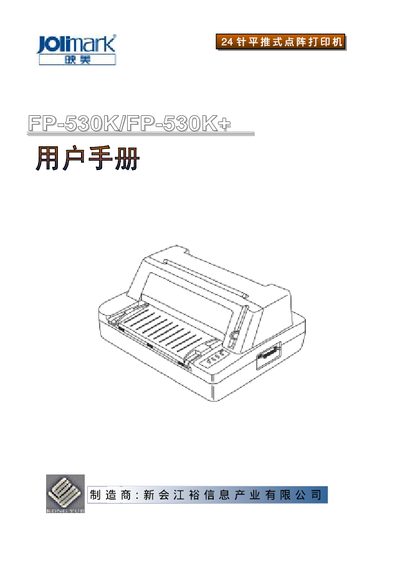
Jolimark FP-530K/FP-530K+ Printer User Manual
The document is a comprehensive user guide for the FP-530K and FP-530K+ printers. It covers product features, installation procedures, control panel operation, printing configuration, and maintenance tips.
Users can find detailed step‑by‑step instructions for loading paper, selecting print modes, adjusting character pitch, and resolving common errors. Technical specifications such as print resolution, speed, and environmental limits are also listed. This manual is written in Chinese.
Jolimark FP-530K specifications
| Printing method | 24‑pin dot matrix |
|---|---|
| Print width | 80 columns (10 cpi) / 203.2 mm |
| Resolution | 360 × 360 DPI (max) |
| USB interface | USB 2.0 Full‑Speed |
| Parallel interface | Centronics (IEEE1284 NIBBLE) |
| Buffer memory | 132 KB |
| Operating power | 30 W |
| Noise level | <55 dB (A) |
| Single‑sheet paper width | 70 ~ 257 mm |
All Jolimark FP-530K documents by type
Day-to-day operation, settings and troubleshooting. Start here if the product is already set up.
Questions answered in these manuals
How do I connect the printer to a computer via USB?
Insert the USB cable’s A‑end (square connector) into the printer’s USB port and the B‑end (flat connector) into the computer’s USB port.
What safety precautions should I follow before using the printer?
Read the manual carefully, avoid touching a hot print head, keep the printer away from liquids, ensure proper ventilation, and do not place it on unstable surfaces.