
Key facts
Start here
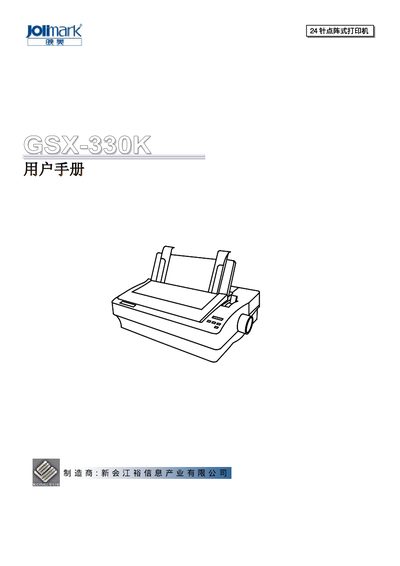
Jolimark GSX-330Kuser manual
This manual begins with safety guidelines that must be read before using the GSX-330K printer. It covers warnings about hot print heads, proper ventilation, and electrical safety, as well as instructions for handling paper jams and cleaning.
The remainder of the document explains how to unpack, install the printer, connect power and computer interfaces (parallel or RS‑232C), load ribbon and paper, adjust settings, and use advanced functions such as automatic paper cutting and character set selection. This manual is written in Chinese.
Jolimark GSX-330K specifications
| Chinese printing speed | 158 characters/second (7.5 cpi) |
|---|---|
| English printing speed | 280 characters/second (10 cpi) |
| Printing noise level | 46.5 dB |
| Compatibility | Epson LQ series (ESC/7PK22) |
| Chinese character set | GB 18030‑2000 |
Source: Jolimark GSX-330Kuser manual
All Jolimark GSX-330K documents by type
Day-to-day operation, settings and troubleshooting. Start here if the product is already set up.
Questions answered in these manuals
How do I connect the printer to a computer?
The printer has a standard parallel interface and an RS‑232C serial interface; connect the appropriate cable and power on both devices.
How do I install the ribbon?
Turn off the power, open the top cover, place the ribbon correctly, and tighten the ribbon knob until the ribbon is taut.