
Key facts
Start here
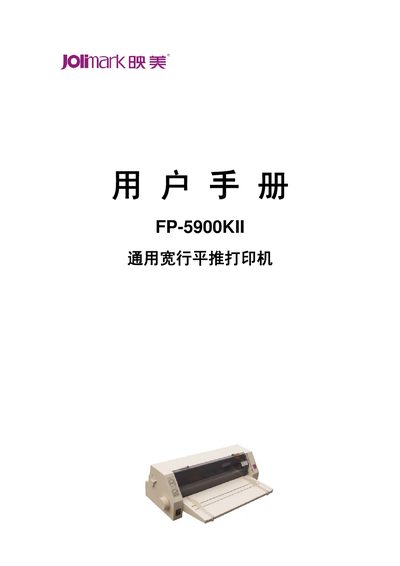
Jolimark FP-5900KII Wide-Row Horizontal Push Printer User Manual
This manual covers all aspects of using the Jolimark FP-5900KII printer, from safety precautions and unpacking to detailed instructions for installing paper, ribbon, and connecting to a computer via parallel, USB or optional serial interfaces. It also includes a full list of technical specifications and maintenance procedures.
The document is organized into chapters on product features, preparation work, paper loading, control‑panel operation, printer maintenance, and an appendix with interface pinouts and environmental requirements, helping users set up and maintain the printer efficiently. This manual is written in Chinese.
Jolimark FP-5900KII specifications
| Print method | 24‑needle dot‑matrix impact |
|---|---|
| Print width | 136 columns (10 cpi) / 345.44 mm |
| Resolution | 360 × 360 DPI (max) |
| Interfaces | Parallel (Centronics), USB 2.0 Full‑Speed, optional RS‑232C serial |
| Power supply | AC 220 V, 50 Hz; 45 W working, 160 W max, 4.5 W standby |
| Dimensions | 610 mm (W) × 400 mm (D) × 220 mm (H) |
| Weight | approximately 11 kg |
Source: Jolimark FP-5900KII Wide-Row Horizontal Push Printer User Manual
All Jolimark FP-5900KII documents by type
Day-to-day operation, settings and troubleshooting. Start here if the product is already set up.
Questions answered in these manuals
What is the maximum print resolution of the printer?
The printer can print at up to 360 × 360 DPI.
From: Jolimark FP-5900KII Wide-Row Horizontal Push Printer User Manual