
Key facts
- Brand
- Jolimark
- Model
- FP-700K
- Documents
- 3
- Languages
- ZH
- Last added
- 2000-01-01
Start here
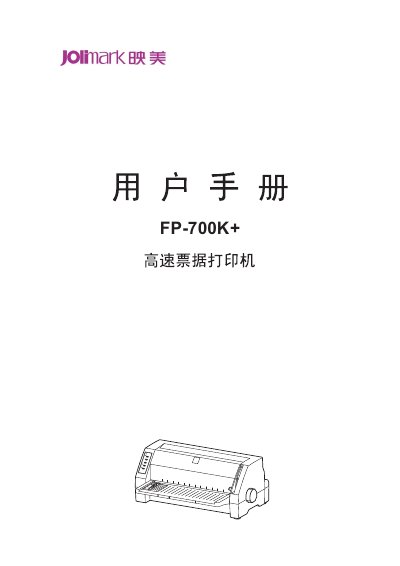
Jolimark FP-700K+ Receipt Printer User Manual
Jolimark FP-700K+ is a 24-pin high-speed receipt printer for daily documents, receipts, and reports in industries such as tax, postal, telecom, hospital, insurance, finance, securities, customs, hotel, aviation, and transport. It uses a 106-column flat-feed paper mechanism and supports automatic paper feed and retract, tear-off, and switching between single-sheet and continuous paper.
The printer can be equipped with parallel, USB, serial, or Ethernet interfaces depending on the unit, and it supports high-resolution graphics up to 360 DPI horizontally and vertically. Built-in fonts include Roman, Sans Serif, Courier, Prestige, Script, OCR-A and OCR-B, and Orator, plus the GB18030 Chinese character set. Controls include speed and copy modes, VAT invoice and receipt modes, menu settings, and maintenance guidance. This manual is written in Chinese.
Jolimark FP-700K specifications
| Print head | 24-pin |
|---|---|
| Columns | 110 columns |
| Resolution | 360 DPI horizontal × 180 DPI vertical |
| Interfaces | Parallel and USB |
| Command compatibility | OKI5530SC and Epson ESC/PK2 |
| Character set | GB18030 |
| Ribbon cartridge | JMR110 |
All Jolimark FP-700K documents by type
Day-to-day operation, settings and troubleshooting. Start here if the product is already set up.
Questions answered in these manuals
How is single-sheet paper loaded?
Single-sheet paper is fed from the front of the printer and automatically advances to the print start position.
What computer interfaces does the printer have?
The printer has one parallel interface and one USB interface for connecting to a computer.
What interfaces can the Jolimark FP-700K+ use?
It can be equipped with parallel, USB, serial, or Ethernet interfaces, depending on the specific unit.
What print resolution does the printer support?
It supports graphics up to 360 DPI horizontally and 360 DPI vertically.