
Key facts
Start here
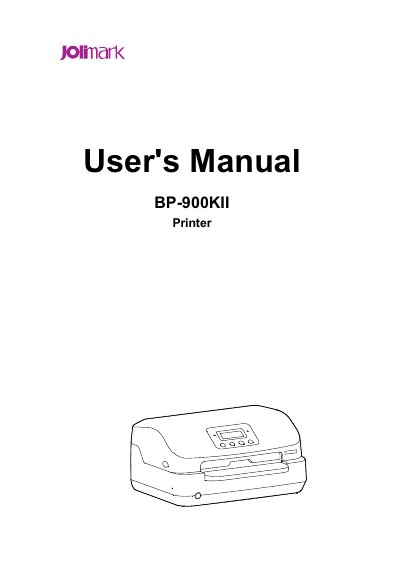
Jolimark BP-900KII Printer User's Manual
This manual provides instructions for the Jolimark BP-900KII, a 24-pin impact printer designed for high-quality passbook printing. Key features include an auto-match paper thickness mechanism supporting up to 2.8 mm, automatic skew adjustment for angles less than 25°, and a flat push mechanism to prevent paper jams with special documents like envelopes and postcards. The device supports multiple interfaces including Parallel, USB, Serial, and Ethernet, and is compatible with OKI 5530SC, Epson ESC/PK2, Olivetti PR2, and IBM 2391 commands.
Read onlineJolimark BP-900K specifications
| Print Resolution | 360DPI (horizon) × 360DPI (perpendicular) |
|---|---|
| Maximum Paper Thickness | 2.8 mm |
| Pin Configuration | 24 pin |
| Printable Columns | 94 columns |
| Auto Skew Adjustment Limit | 25° |
All Jolimark BP-900K documents by type
Day-to-day operation, settings and troubleshooting. Start here if the product is already set up.
Questions answered in these manuals
What is the maximum paper thickness the printer can handle?
The printer can handle a maximum thickness of 2.8 mm using its floating flat platen.
Does the printer support Ethernet connectivity?
Yes, the printer is configured with a parallel, USB, serial, or Ethernet interface.
What is the maximum print thickness of the BP-900K?
The maximum print thickness is 2.0 mm.
Does the printer support automatic paper thickness adaptation?
Yes, it uses a floating flat print roller to automatically adapt to paper thickness.