
Key facts
Start here
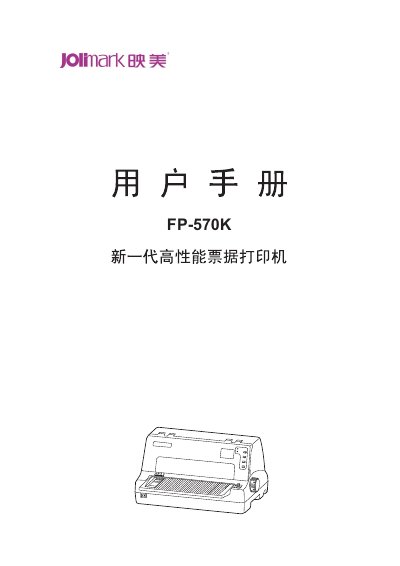
Jolimark FP-570K Printer User Manual
The FP-570K is a 24‑needle high‑speed ticket printer designed for invoices, receipts, and label printing. This manual provides safety guidelines, unpacking instructions, and detailed steps for installing paper, ribbons, and optional interfaces such as USB, parallel, serial, or Ethernet.
It also explains the control panel functions, LCD menu settings, maintenance procedures, and full technical specifications, helping users achieve reliable printing performance and proper upkeep. This manual is written in Chinese.
Jolimark FP-570K specifications
| Printing method | 24‑needle dot matrix |
|---|---|
| Print resolution | 360 × 360 dpi (max) |
| Print speed (normal mode) | 150 CPS |
| Interface (standard) | USB 2.0 Full‑Speed, Parallel (Centronics) |
| Data buffer | 132 KB |
| Power consumption (working) | 68 W |
| Dimensions (W × D × H) | 378 mm × 322 mm × 209 mm |
All Jolimark FP-570K documents by type
Day-to-day operation, settings and troubleshooting. Start here if the product is already set up.
Questions answered in these manuals
What safety precautions should be taken before using the printer?
Read all warnings in the manual, avoid touching the hot print head, keep the printer away from liquids, do not place fingers near the feed rollers, and do not use alcohol or other chemicals for cleaning.
What safety precautions must be taken before using the printer?
Read all warnings on the printer, avoid touching hot parts, keep the device away from liquids, and place it on a stable, well‑ventilated surface.
What is the printer’s maximum resolution?
The printer can output at up to 360 dpi horizontally and 360 dpi vertically.