
This document is the user manual for TP820 series thermal receipt printer. It provides important safety instructions and emphasizes the need to carefully read the manual before operation. The manual includes safety precautions such as avoiding touching the thermal head, being careful with the dentate cutter when replacing paper, not cleaning the printer with alcohol or other liquids, etc. It also mentions that the printer should be connected to a reliable power outlet and kept away from appliances that may cause electromagnetic interference.
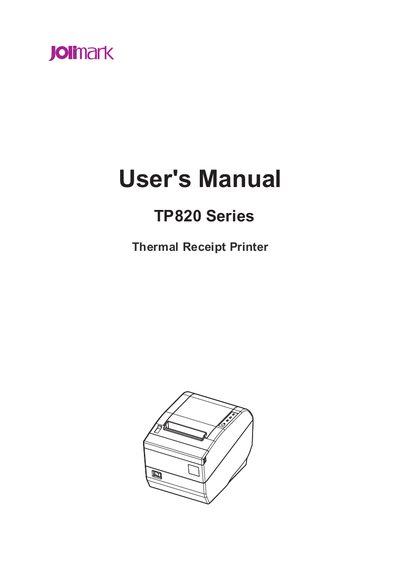
This manual covers important safety instructions for the TP820 thermal receipt printer, including handling of the thermal head, power connection, and environmental requirements. It also outlines the warranty disclaimer and FCC compliance statements.
The guide details the installation process—unpacking, connecting power and interface cables (parallel, USB, serial, Ethernet, cash drawer), and configuring the printer driver. Subsequent chapters describe the control panel, paper loading, cutter types, troubleshooting, and command reference for printing and barcode functions.
| Supported Interfaces | Parallel, USB, Serial, Ethernet, Cash Drawer |
|---|---|
| Cutter Types | Partial cutter (single‑point) and full cutter (full cut) |
Do not touch the thermal head with your hand or any solid object to avoid burns or damage.