
Key facts
- Brand
- Jolimark
- Model
- BP-1000K
- Documents
- 2
- Languages
- ZH
- Last added
- 2011-11-03
Start here
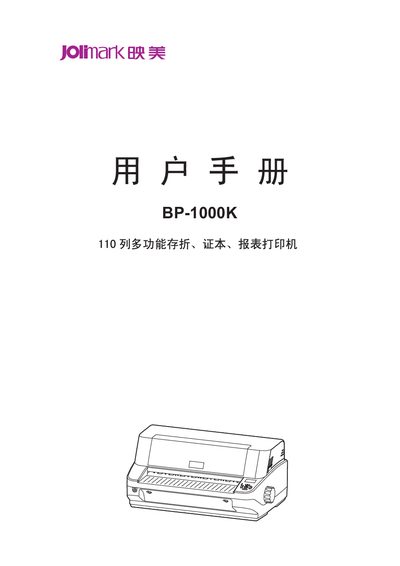
Jolimark BP-1000K User Manual
This manual covers essential safety precautions, unpacking, and installation of the BP-1000K printer, including positioning, power connection, and interface setup. Detailed instructions guide users through paper handling, control panel functions, and routine maintenance.
Technical specifications such as printing speed, resolution, supported interfaces, barcode types, and character sets are listed, along with troubleshooting tips for common issues. This manual is written in Chinese.
Jolimark BP-1000K specifications
| Maximum paper thickness | 3 mm |
|---|---|
| Normal printing speed | 100 CPS at 10 CPI |
| High‑speed printing speed | 300 CPS at 10 CPI |
| Ultra‑high‑speed printing speed | 360 CPS at 10 CPI |
| Print resolution | 360 dpi (horizontal) × 360 dpi (vertical) |
| Supported interfaces | Parallel, USB, Serial |
| Built‑in barcode types | EAN‑13, EAN‑8, Interleaved 2of5, Matrix 2 of5, Industrial 2 of5, Code 39, Code 128 B/C, NW‑7 |
| Character set | GB18030 Chinese character library |
Source: Jolimark BP-1000K User Manual
All Jolimark BP-1000K documents by type
Day-to-day operation, settings and troubleshooting. Start here if the product is already set up.
Questions answered in these manuals
What safety precautions should be taken before using the BP-1000K printer?
Read the manual carefully, avoid touching the hot print head, keep the printer away from liquids, and follow all warnings printed on the device.
What paper thickness can the printer handle automatically?
The printer can automatically detect and print paper up to a maximum thickness of about 3 mm.
How should I install the BP-1000K printer?
Open the box, remove the protective materials, place the printer on a stable, level surface, connect the power and interface cables, and install the driver as described in Chapter 2.
What safety precautions are required when using the BP-1000K?
Read the safety guide, avoid touching the hot print head, keep the printer away from liquids, ensure proper ventilation, and do not place it on soft surfaces such as beds or carpets.