
Key facts
- Brand
- Jolimark
- Model
- FP-570KII
- Category
- Printer
- Industry
- Industrial
- Documents
- 2
- Languages
- ZH
- Last added
- 2000-01-01
Start here
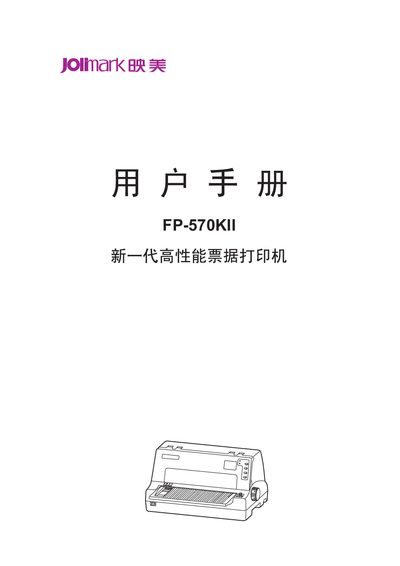
Jolimark FP-570KII Ticket Printer User Manual
This manual covers safety precautions, unpacking, and preparation for the FP-570KII high‑performance ticket printer. It explains how to install the printer on a stable surface, connect power and data interfaces, and avoid environmental hazards such as liquids, extreme temperatures, and dust.
The guide also describes the control panel functions, printing modes, and maintenance procedures. Detailed specifications for printing speed, resolution, supported fonts, barcode standards, and interface options (USB, serial, Ethernet) are provided, along with troubleshooting tips and part replacement instructions. This manual is written in Chinese.
Jolimark FP-570KII specifications
| Print head | 24‑needle high‑speed impact |
|---|---|
| Resolution | 360 dpi (horizontal) × 360 dpi (vertical) |
| Compatibility | OKI 55308SC and Epson ESC/PK2 command sets |
| Data buffer | 132 KB |
| Interfaces | USB, serial, parallel, Ethernet |
All Jolimark FP-570KII documents by type
Day-to-day operation, settings and troubleshooting. Start here if the product is already set up.
Questions answered in these manuals
What safety precautions should be taken when using the FP-570KII printer?
The manual warns to avoid touching the print head, keep liquids away, do not place the printer on unstable surfaces, and never attempt self‑repair.
What printing resolution does the FP-570KII support?
The printer provides a maximum resolution of 360 dpi horizontally and 360 dpi vertically.
How do I install the paper tray (托纸板) on the FP-570KII Pro?
Insert the tray at a downward angle into the front slot, then lay it flat until the latch clicks into place.