
Key facts
Start here
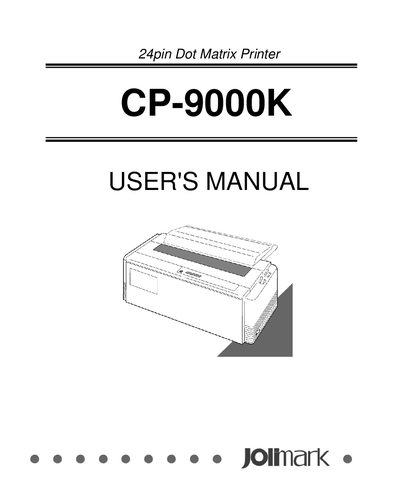
Jolimark 24pin Dot Matrix Printer CP-9000K USER'S MANUAL
This manual covers everything you need to get the Jolimark CP-9000K dot matrix printer up and running, from unpacking the box and installing the paper rack, ribbon cassette, and sound seal cover, to connecting the printer to a computer and configuring basic and extended setup options.
It also includes detailed sections on control panel operation, barcode and enlarged‑character functions, troubleshooting common error messages, routine cleaning and lubrication, and full technical specifications for both parallel and serial interfaces.
Jolimark CP-9000K specifications
| Print Columns | 136 columns (10 cpi) |
|---|---|
| Print Speed (Draft Mode) | 720 cps (10 cpi) |
| Maximum Paper Width | 127 – 420 mm |
| Ribbon Life | 20 million characters |
| Noise Level | <55 dB (A) |
| Print Head Life | 5 × 10⁸ hits per needle |
All Jolimark CP-9000K documents by type
Day-to-day operation, settings and troubleshooting. Start here if the product is already set up.
Disassembly, diagnostics and part numbers, for repair.
Questions answered in these manuals
How should the paper rack be installed?
Follow the instructions in the "Installing the paper rack" section of the manual.
From: Jolimark 24pin Dot Matrix Printer CP-9000K USER'S MANUAL
How do I start the printer self‑test?
Turn the printer off, then press the RESET key while holding the forward line‑feed (LF) key until the self‑test program begins.
What safety step must be taken before repairing the printer?
Turn off the printer power and disconnect the AC output connector.
What is the drive voltage for the printer’s motors?
The drive voltage is 40 V.